 Wignet
Build one
Make your own Wignet. Your agent does the hard part.
A board with a screen, a Wignet account and a coding agent on your computer. You plug it in, the agent writes the firmware and flashes it.
Get a programmable screen
An ESP32-S3 board with its screen already on it: nothing to solder. The hardware guide below separates tested builds from devices to adapt.
Create a Wignet account
At app.wignet.app. That is where your screen appears once it calls in.
Connect your coding agent
Add the Wignet MCP server to Claude Code, Codex or Cursor running on your computer. How, agent by agent.
Let it build the firmware
Plug the board in over USB and tell your agent which one it is. It writes the firmware, builds it and flashes it. You never open an IDE.
You have a Wignet
On first boot it shows a QR code. Scan it, add the screen to your account, and ask your agent to put something on it.
# 3 · connect Claude Code (Codex and Cursor take the same URL)
claude mcp add --transport http wignet https://app.wignet.app/mcp/account

# 4 · then, with the board plugged in
This is a Waveshare ESP32-S3-LCD-1.54 on USB. Make it a Wignet:
read the device contract in github.com/wignet/firmware, write the firmware,
build it and flash it. Ask me for the Wi-Fi when you need it.
The firmware has one job: ask api.wignet.app for its picture, show it, sleep, and ask again. The screen says what it is (its size, its colours, its speaker) and the platform renders for that. Our firmware is open source (GPL-3.0), and so is the device contract: github.com/wignet/firmware. Flash it as it is, or write your own client: the contract is free to implement.
Choose your hardware
A screen for your Wignet.
Start with a tested build, or choose a device to adapt. Touch and non-touch variants stay together; support is listed for each variant.
Tested & supported
Wignet firmware exists for the tested base boards. Touch variants count as tested through their base board; touch input and firmware adaptation are tracked separately.
-
 Photo unavailable · view product
Waveshare
LCD 1.54″
€10–20approx.
Board + display options
240 × 240
Non-touch: display, orientation, sound and scenes tested. Battery checks remain.
ESP32-S3-LCD-1.54 · non-touch
Tested · firmware availableESP32-S3-Touch-LCD-1.54
Tested family · touch unverifiedBase-board tests apply; firmware adaptation still needs checking.
-
 Photo unavailable · view product
Waveshare
LCD 2″
€10–20approx.
Board + display options
240 × 320
Non-touch: display, orientation and scenes tested. Battery checks remain.
ESP32-S3-LCD-2 · non-touch
Tested · firmware availableESP32-S3-Touch-LCD-2
Tested family · touch unverifiedBase-board tests apply; firmware adaptation still needs checking.
-
 Photo unavailable · view product
Waveshare
Touch AMOLED 1.8″
€25–30approx.
Board + display options
368 × 448
Display, touch, sound and scenes tested on USB power. Confirm the controller revision before buying; other revisions and battery operation are not validated.
ESP32-S3-Touch-AMOLED-1.8
Tested · firmware available
-
 Photo unavailable · view product
Waveshare
PhotoPainter 7.3″
€70–80approx.
Device / kit
800 × 480
Rev2.0: display, sound and sleep tested. Battery gauge calibration is still in progress.
ESP32-S3-PhotoPainter Rev2.0
Tested · firmware available
-
 Photo unavailable · view product
Raspberry Pi
Pi Zero W + HDMI TV
€15–20approx.
Board only · screen and accessories extra
Turn an existing HDMI TV into a Wignet. Setup, image display, reboot and test-key updates tested. TV wake-up, audio and other Pi models still need validation.
Raspberry Pi Zero W · HDMI TV
Tested · firmware available
-
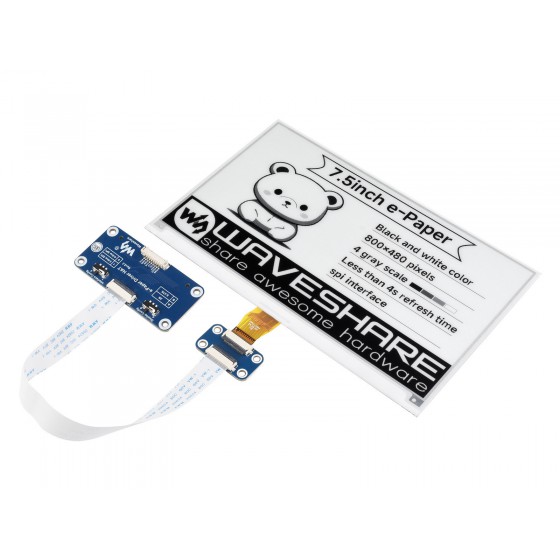 Photo unavailable · view product
Waveshare
ePaper 7.5″ · black & white
€50–55approx.
Display only · controller extra
800 × 480
Tested build: ESP32 e-paper driver board + 7.5-inch V2 black-and-white panel (800 × 480), assembled from separate parts. Firmware is available. The photo and price show the HAT accessory; the ESP32 board costs extra. Verify panel revision and wiring when buying.
7.5-inch HAT accessory
Untested · firmware neededESP32 e-paper driver board + 7.5-inch V2
Tested · firmware available
Compatible candidates · ESP32
Programmable screens that could run Wignet. We have not validated these builds; adapting and testing the firmware is part of the project.
-
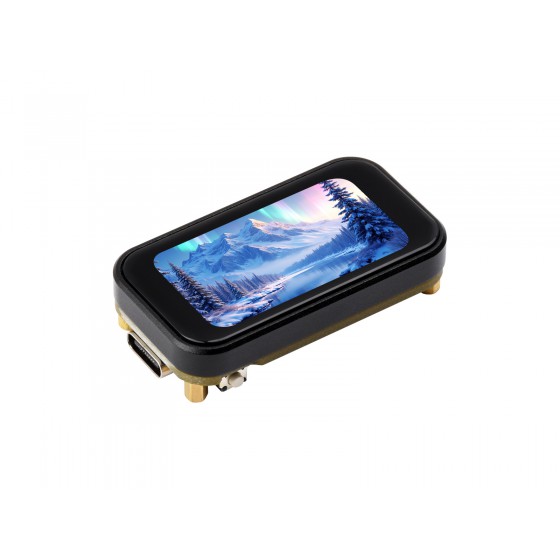 Photo unavailable · view product
Waveshare
LCD 1.47″
€10–15approx.
Board + display options
172 × 320
ESP32-C6-LCD-1.47
Untested · firmware neededESP32-C6-Touch-LCD-1.47
Untested · firmware neededESP32-S3-LCD-1.47
Untested · firmware neededESP32-S3-Touch-LCD-1.47
Untested · firmware needed
-
 Photo unavailable · view product
Waveshare
LCD 1.69″
€10–20approx.
Board + display options
240 × 280
ESP32-S3-LCD-1.69
Untested · firmware neededESP32-S3-Touch-LCD-1.69
Untested · firmware needed
-
 Photo unavailable · view product
Waveshare
LCD 2.1″
€25–30approx.
Board + display options
480 × 480
ESP32-S3-Touch-LCD-2.1
Untested · firmware needed
-
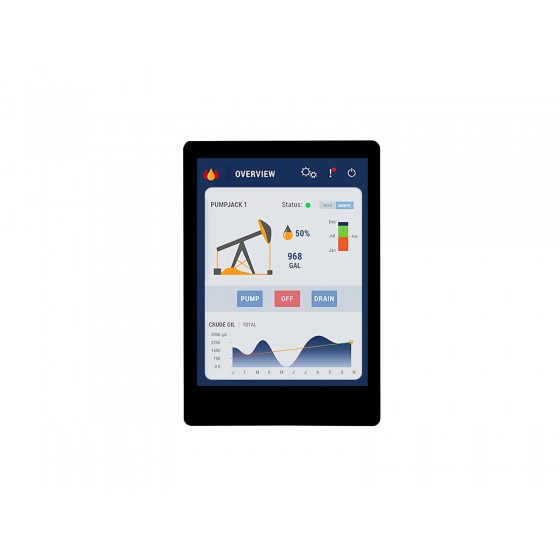 Photo unavailable · view product
Waveshare
LCD 2.8″
€15–25approx.
Board + display options
240 × 320
ESP32-S3-Touch-LCD-2.8
Untested · firmware needed
-
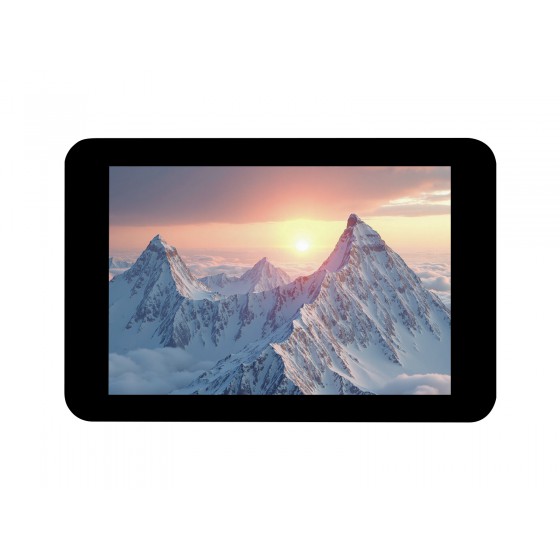 Photo unavailable · view product
Waveshare
LCD 3.5″
€20–30approx.
Board + display options
320 × 480
ESP32-S3-Touch-LCD-3.5
Untested · firmware needed
-
 Photo unavailable · view product
Waveshare
LCD 4″ · Smart 86
€20–35approx.
Board + display options
480 × 480
LCD-4 V3 and LCD-4B are different boards. Photo: LCD-4B / Smart 86 Box.
ESP32-S3-Touch-LCD-4 V3
Untested · firmware neededESP32-S3-Touch-LCD-4B / Smart 86 Box
Untested · firmware needed
-
 Photo unavailable · view product
Waveshare
LCD 5″
€25–40approx.
Board + display options
1024 × 600
ESP32-S3-Touch-LCD-5
Untested · firmware needed
-
 Photo unavailable · view product
Waveshare
LCD 7″ · 800 × 480
€25–35approx.
Board + display options
800 × 480
ESP32-S3-Touch-LCD-7
Untested · firmware needed
-
 Photo unavailable · view product
Waveshare
Touch AMOLED 1.43″
€20–30approx.
Board + display options
466 × 466
ESP32-S3-Touch-AMOLED-1.43
Untested · firmware needed
-
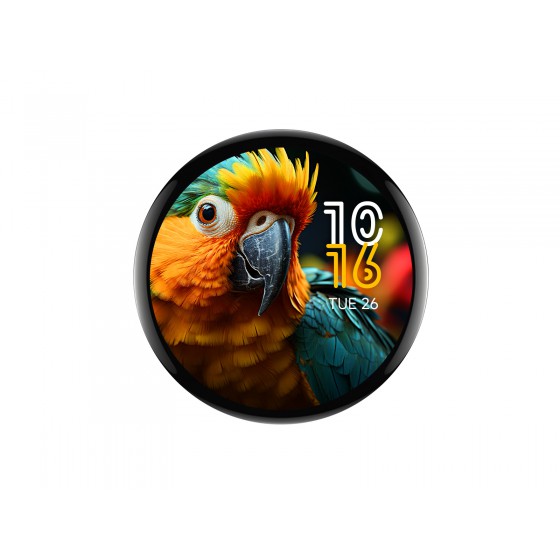 Photo unavailable · view product
Waveshare
Touch AMOLED 1.75″
€25–40approx.
Board + display options
466 × 466
ESP32-S3-Touch-AMOLED-1.75 · case, no GPS
Untested · firmware needed
-
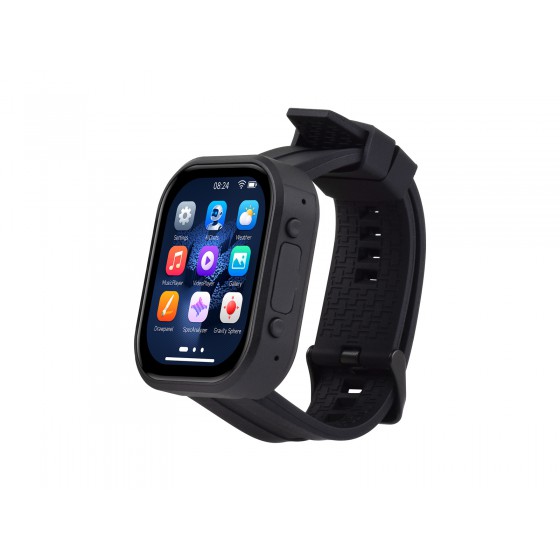 Photo unavailable · view product
Waveshare
Touch AMOLED 2.06″
€25–30approx.
Board + display options
410 × 502
ESP32-S3-Touch-AMOLED-2.06
Untested · firmware needed
-
 Photo unavailable · view product
Waveshare
ePaper 1.54″
€10–25approx.
Board + display options
200 × 200
ESP32-S3-ePaper-1.54
Untested · firmware needed
-
 Photo unavailable · view product
Waveshare
ePaper 3.97″
€30–45approx.
Board + display options
800 × 480
ESP32-S3-ePaper-3.97
Untested · firmware needed
-
 Photo unavailable · view product
Waveshare
Reflective LCD 4.2″
€20–25approx.
Board + display options
300 × 400
ESP32-S3-RLCD-4.2
Untested · firmware needed
Other programmable screens
More screens to build with: display accessories and devices from other makers. Accessories need a separate controller; firmware and test status are listed on each card. For Raspberry Pi, choose a TV or a touch display up to 5 inches.
-
 Photo unavailable · view product
Waveshare
HDMI LCD 4″ (C)
€60–65approx.
Display only · controller extra
720 × 720
Touch display for a compact Raspberry Pi build. Pi sold separately; this pairing and touch input still need Wignet validation.
4inch HDMI LCD (C), 720x720
Pi client · pairing untested
-
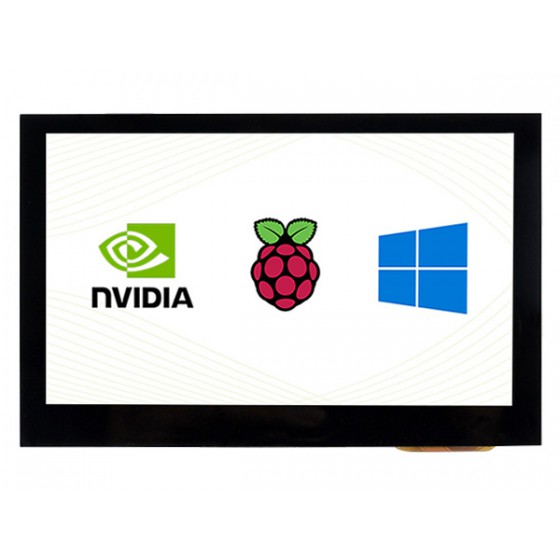 Photo unavailable · view product
Waveshare
HDMI LCD 4.3″ (B)
€40–45approx.
Display only · controller extra
800 × 480
Touch display for a compact Raspberry Pi build. Pi sold separately; this pairing and touch input still need Wignet validation.
4.3inch HDMI LCD (B), 800x480
Pi client · pairing untested
-
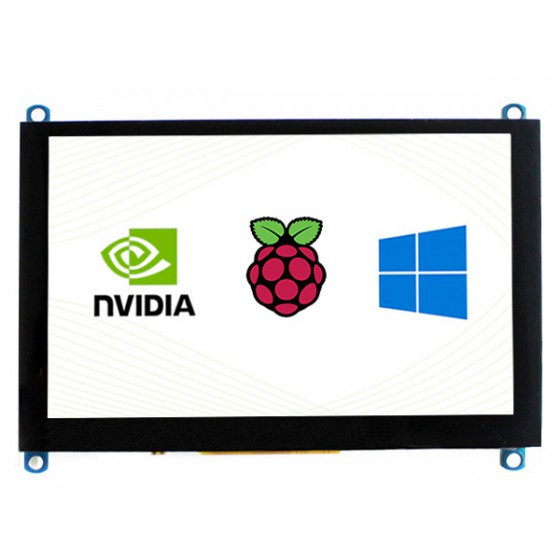 Photo unavailable · view product
Waveshare
HDMI LCD 5″ (H)
€45–50approx.
Display only · controller extra
800 × 480
Touch display for a compact Raspberry Pi build. Pi sold separately; this pairing and touch input still need Wignet validation.
5inch HDMI LCD (H), slim, 800x480
Pi client · pairing untested
-
LILYGO
-
Makerfabs
-
Makerfabs
-
 Photo unavailable · view product
Seeed Studio
reTerminal E1002 · 7.3″
US$95–100approx.
Device with battery and enclosure
800 × 480
ESP32-S3 with 7.3-inch six-colour Spectra 6 e-paper, without touch. Wignet firmware needs adapting and testing.
Seeed reTerminal E1002 colour e-paper
Untested · firmware needed
-
M5Stack
-
Pimoroni
-
 Photo unavailable · view product
Seeed Studio
SenseCAP Indicator D1 · 4″
US$45–50approx.
Enclosed device
480 × 480
ESP32-S3 + RP2040 with a capacitive touch LCD. USB powered. Wignet firmware needs adapting and testing.
SenseCAP Indicator D1
Untested · firmware needed
-
 Photo unavailable · view product
Seeed Studio
reTerminal Sticky · 3.97″
US$45–50approx.
Enclosed device
800 × 480
ESP32-S3, monochrome touch e-paper and magnetic enclosure. Wignet firmware and touch input need validating.
reTerminal Sticky
Untested · firmware needed
-
 Photo unavailable · view product
Seeed Studio
WT32-SC01 Plus · 3.5″
US$25–30approx.
Board + display · enclosure extra
ESP32-S3 development board with a touch LCD. Requires a Wignet firmware port.
WT32-SC01 Plus
Untested · firmware needed
-
 Photo unavailable · view product
Seeed Studio
reTerminal E1001 · 7.5″
US$65–70approx.
Device with battery and enclosure
800 × 480
ESP32-S3 with monochrome e-paper, without touch. No validated Wignet firmware for this device yet.
reTerminal E1001
Untested · firmware needed
-
 Photo unavailable · view product
Seeed Studio
TRMNL OG DIY kit · 7.5″
US$40–45approx.
Screen + controller + battery · no enclosure
800 × 480
Monochrome e-paper kit with XIAO ESP32-S3 Plus, driver board, cable and 2000 mAh battery. Add a case and adapt the Wignet firmware.
TRMNL 7.5-inch OG DIY Kit
Untested · firmware needed
-
 Photo unavailable · view product
Seeed Studio
XIAO ePaper Panel · 7.5″
US$75approx.
Device with battery and enclosure
800 × 480
ESP32-C3 with monochrome e-paper, a 2000 mAh battery and a 3D-printed case. Requires a Wignet firmware port.
XIAO 7.5-inch ePaper Panel
Untested · firmware needed
-
 Photo unavailable · view product
Seeed Studio
XIAO Round Display · 1.28″
US$15–20approx.
Display expansion only · XIAO board extra
240 × 240
Round capacitive touch LCD. Add a compatible XIAO ESP32 controller; the display alone cannot connect to Wignet. Firmware needs adapting.
Round Display for XIAO
Untested · firmware needed
-
 Photo unavailable · view product
Seeed Studio
SenseCAP Watcher · 1.45″
US$45–50approx.
Enclosed device
412 × 412
ESP32-S3 with touch LCD, camera, microphone and speaker. Programmable hardware; Wignet firmware and peripherals are unvalidated.
SenseCAP Watcher W1-A
Untested · firmware needed
-
 Photo unavailable · view product
Seeed Studio
XIAO ePaper controllers
US$5–15approx.
Controller only · display, battery and case extra
XIAO ESP32-S3 Plus e-paper drivers: EE04 supports 24/50-pin panels; EE05 supports 24-pin panels. Choose a supported panel separately and adapt the Wignet firmware.
XIAO ePaper Display Board EE04
Untested · firmware neededXIAO ePaper Display Board EE05
Untested · firmware needed
Price guide · checked 3 November 2026. Rounded budget ranges in the currency shown, based on single-unit prices. Click a range for its source. Manufacturer options may include different cases, batteries or screen variants. Shipping, taxes and retailer prices may differ; these are not delivered totals.
Offers checked on 3 November 2026; availability can change. Only offers recorded as orderable are linked. Product photos are loaded from their manufacturer and show one variant of each family.
Some of these boards also come ready to use from Écran Papier, our selling partner. Where it has one in stock, the card says so.
Another board? If it has Wi-Fi and a screen, your agent can probably make it a Wignet: the contract is a URL that returns a picture. Tell us how it went at contact@wignet.app.